
In Patiala, most enquiries do not arrive through a contact form — they arrive as a WhatsApp message, often outside working hours. The problem is that they land on a personal number with no labels, no saved replies and no follow-up, so the ones that are not answered in ten minutes quietly go to a competitor.
WhatsApp Business gives you the structure to catch them. This is the setup that matters, in the order worth doing it.
Why WhatsApp suits local buyers
People already use it. There is no app to install, no form to fill and no email to wait for. For a service business in Patiala, that lowers the effort of asking a question, which is exactly the moment most enquiries are won or lost.
It also keeps a written record. A price discussed on a call is forgotten; a price in a chat can be found again by both sides.
The other advantage is speed. A message that is answered while the customer is still holding the phone feels like service; the same answer the next afternoon feels like an afterthought. Most of the setup below exists to make a fast, accurate reply possible without typing the same paragraph again.
Set up the business profile properly
The free WhatsApp Business app is enough for most local businesses. Install it before you advertise the number anywhere.
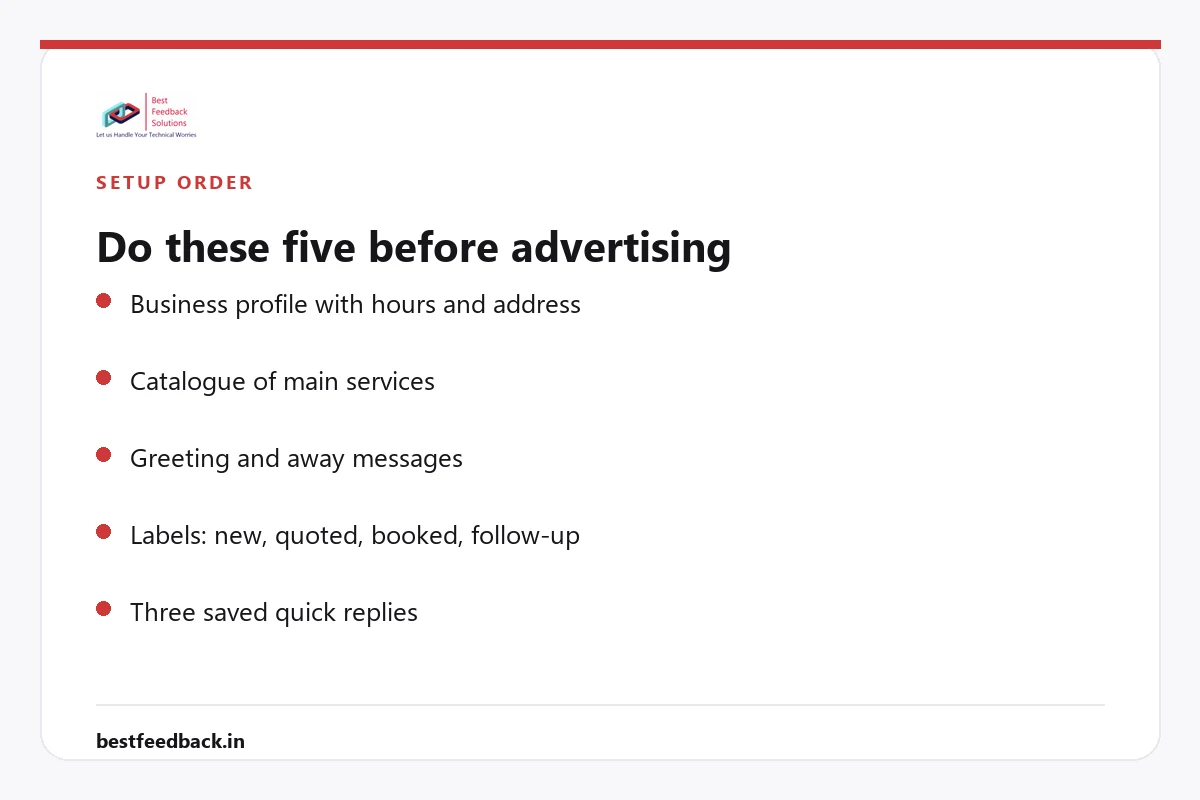
- Business name and category. Use the name customers know, and pick the closest category.
- Description and address. Say what you do, where you are and the hours you reply.
- Catalogue. Add your main services or products with photos and starting prices if you are willing to publish them.
- Greeting message. One line that sets expectations: what you do and when you reply.
- Away message. For evenings and Sundays, so nobody thinks they were ignored.
- Labels. At minimum: new enquiry, quoted, booked, follow-up. This is the difference between a inbox and a pipeline.
Three replies that save the most time
Quick replies are pre-written answers you insert with a slash command. Three cover most of the workload.
| Quick reply | What it answers | What to include |
|---|---|---|
| Price | “How much?” | A range or a starting point, plus what changes the price |
| Availability | “When can you come?” | Two or three concrete slots, not “anytime” |
| Location | “Where are you?” | Address, a map link and parking notes |
Write them in the language your customers use, and keep them short enough to read on a phone.
If more than one person answers
Shared inboxes fail without rules. Decide who owns new enquiries, who covers evenings, and what happens when someone is on leave. Use the label to show who is handling a chat, and hand over with a short internal note rather than a forwarded screenshot. If the volume is small, one owner with a clear backup is better than three people half-watching the phone.
Follow up once, then stop
Most enquiries that do not convert are simply not followed up. The rule that keeps this useful rather than annoying is one polite follow-up after a reasonable gap, then leave it.
- Follow up once, on the same thread, with something useful — a slot, a photo, an answer to the objection.
- Do not send repeated promotional messages to people who never asked. That is how numbers get blocked and reported.
- Keep marketing broadcasts opt-in only, and make it easy to stop.
- If someone asks to be removed, remove them the same day.
What to measure each month
- New chats — how many arrived, and from where (profile link, website button, ad).
- Time to first reply — the single number that most affects whether an enquiry converts.
- Quote to booking rate — count quotes sent and jobs won.
- Lost reasons — price, timing, location. A pattern here tells you what to fix next.
None of this needs a dashboard. A weekly look at labels, plus a count of quotes and bookings, is enough for most businesses.
Mistakes that cost enquiries
- Using a personal number that staff share and nobody owns.
- Leaving enquiries unread for a day, then replying “sorry, just saw this”.
- Sending only prices with no context, which invites comparison shopping.
- Losing chat history when a phone is replaced — export or use the Business app’s backup.
- Treating WhatsApp as a broadcast channel instead of a conversation.
If your enquiries mostly come from the website, the button matters as much as the number. Our web development work includes making that handover obvious on a phone, and the contact page is where we start with most clients.
Is WhatsApp Business free?
The Business app is free to use, including the catalogue, labels and quick replies. The WhatsApp Business API used by larger teams with multiple agents runs through paid providers, so most local businesses do not need it at the start.
Should I use a separate number?
Yes, if you can. A dedicated business number keeps work chats separate, survives staff changes and can be moved to a new phone without losing the account history.
Can I send offers to my customer list?
Only to people who agreed to receive them, and only occasionally. Unsolicited bulk messages get numbers blocked and reported, which is worse than not sending them at all.
We can set up the profile, the labels and the replies, and connect the website button so every enquiry lands in one place with a record.